
Translator Workbench Guide
Detailed guide to the Translator workbench, including preview, editing, orientation control, export, and download.
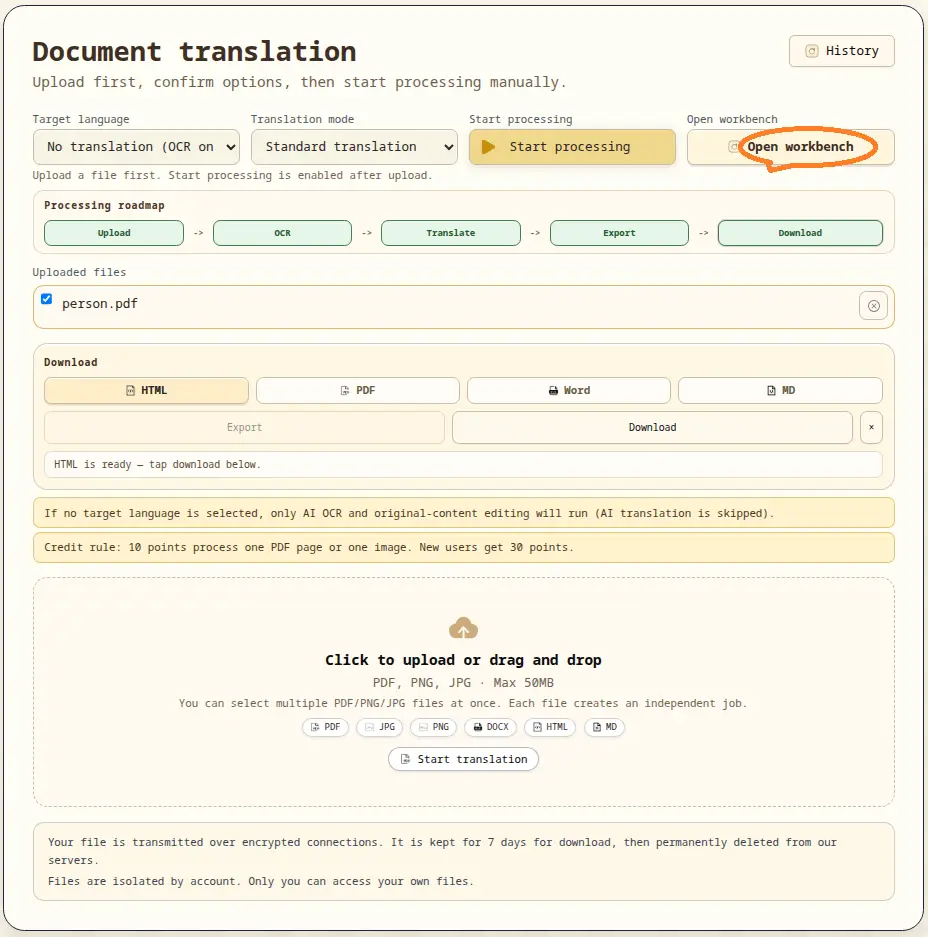
What Translator Workbench does
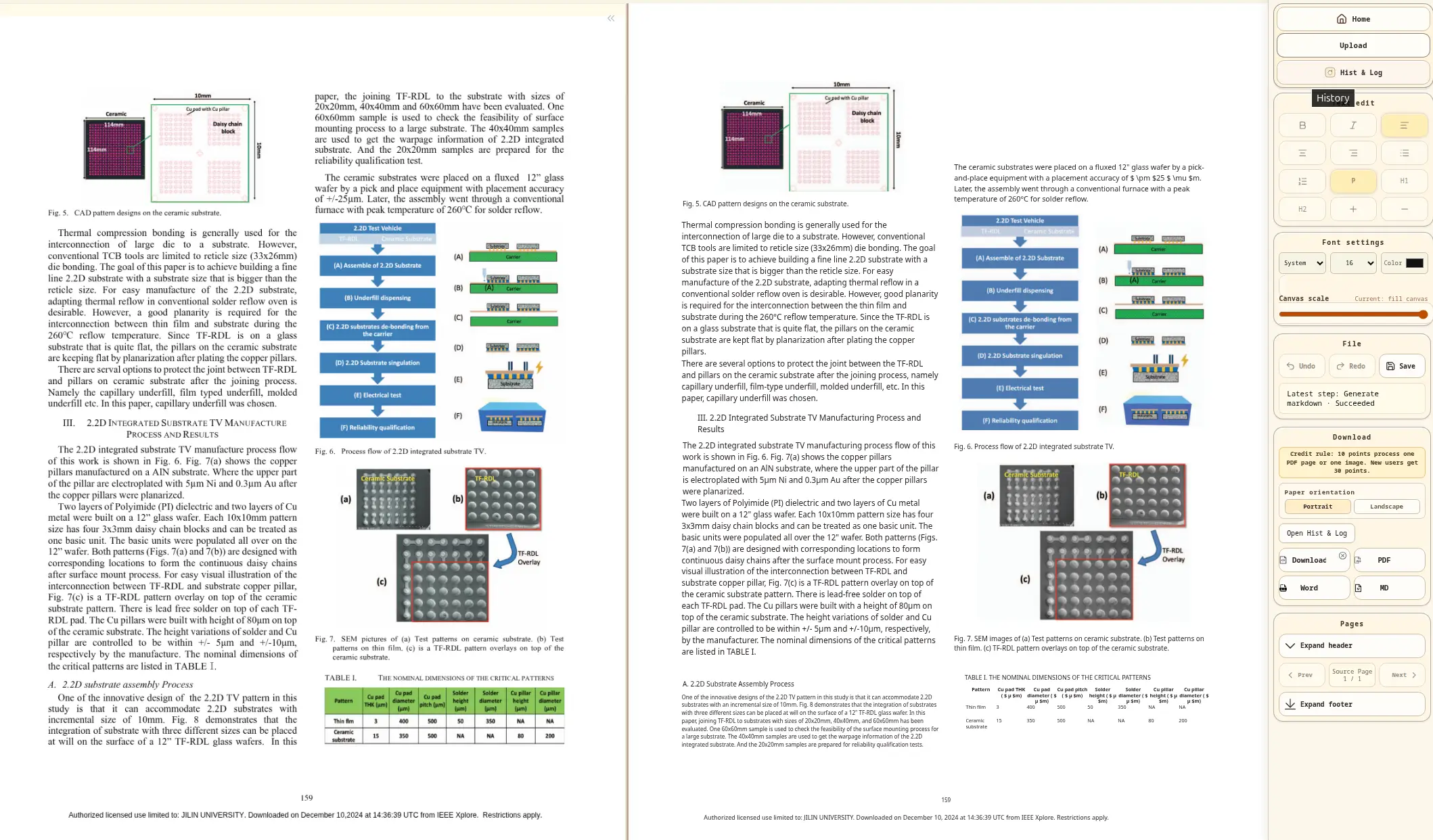
Translator workbench is the quality-control stage before final download. It lets users review parsed output, adjust content, and then export.
Workbench structure
- Task-level workspace for one selected job.
- Visual preview and editing controls in one screen.
- History panel (
Hist & Log) for status trace and recovery.
Editing and review capabilities
- Text and block-level adjustments before export.
- Table and layout checks for scanned or complex pages.
- Orientation controls (
portrait/landscape) for export-readiness checks. - Undo/redo flow for safer iterative edits.
Export and download flow
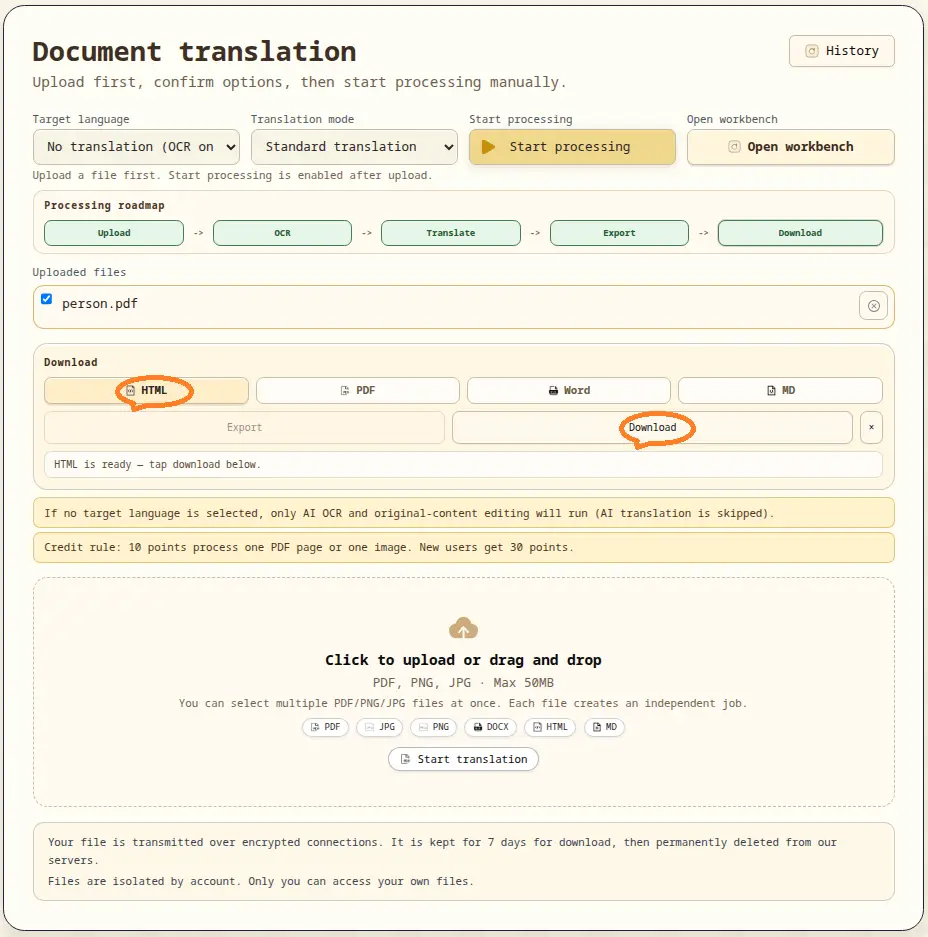
- Export formats:
PDF,HTML,DOCX,Markdown - Export runs asynchronously to avoid UI blocking.
- Download uses generated links after export is ready.
- Detailed export progress is visible through history and step logs.
Usage boundary
- Upload page: create jobs and start processing.
- Translator workbench: inspect, adjust, export, and download completed jobs.
- If a job fails, retry strategy should be triggered from the available controls.
Legal and payment notice
For legal terms, privacy, and payment processing, see our Privacy Policy and Terms of Service.